Real-time missile duel
Build your base, raise your army and aim true: your missile has to beat the wind and the enemy defenses to bring down the city across the field.
Play for free- Free
- No download
- PC and phone
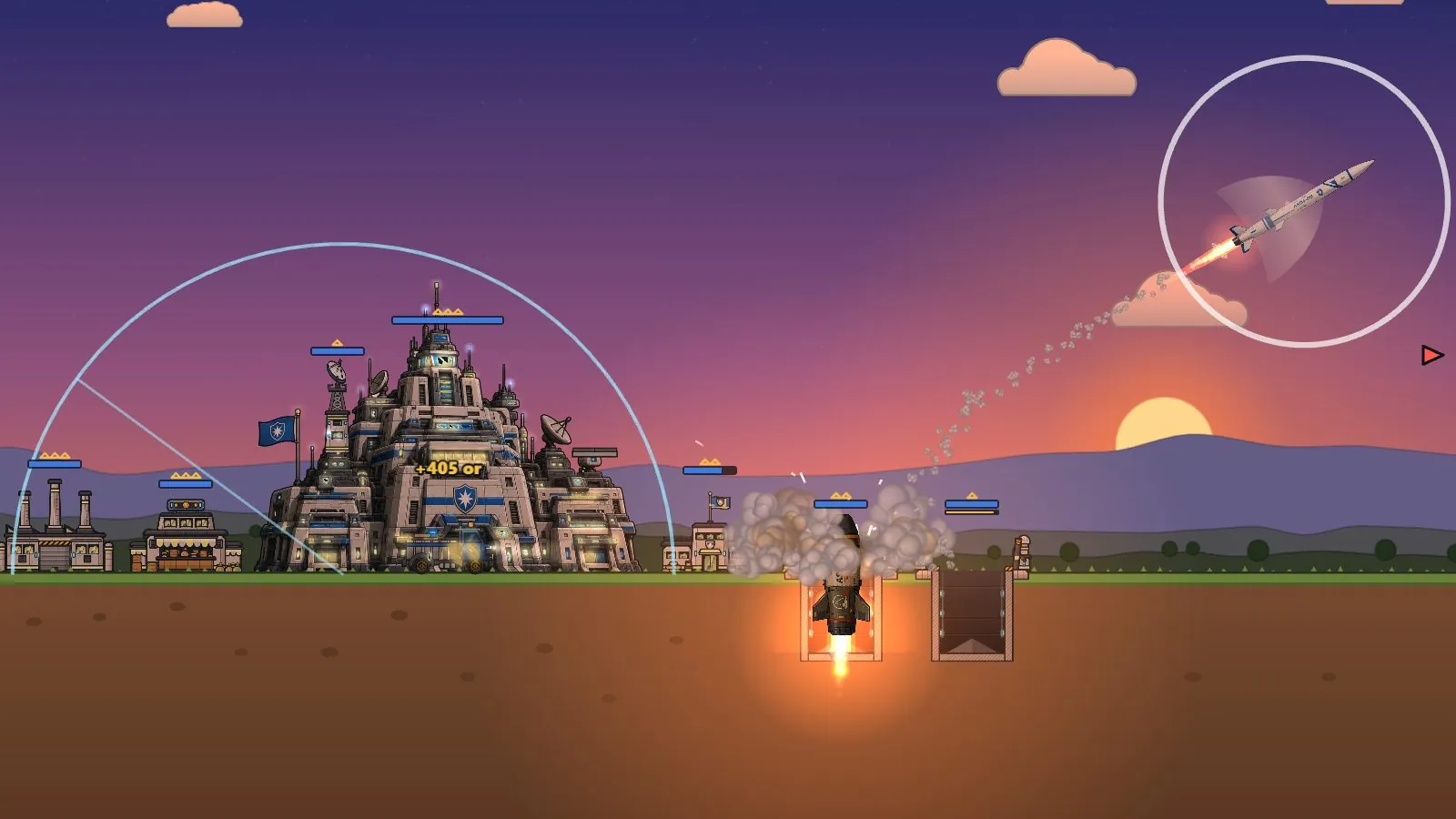
How to play
-
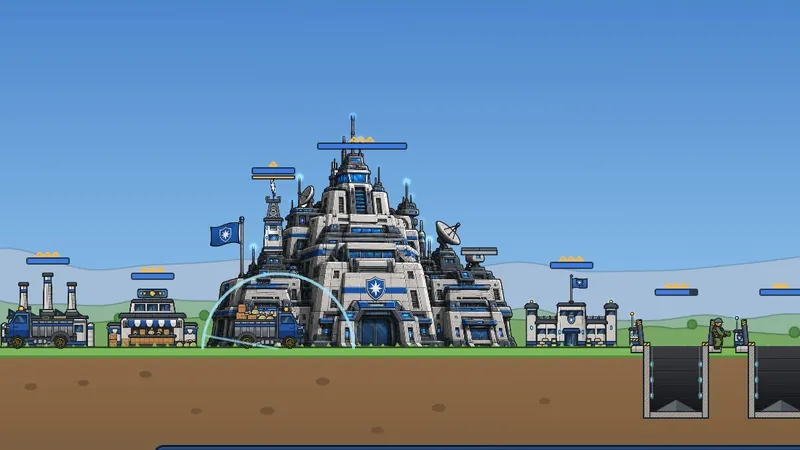
1Build your base
Your merchant brings in gold. Build barracks, factory, airfield and silos, then upgrade them.
-
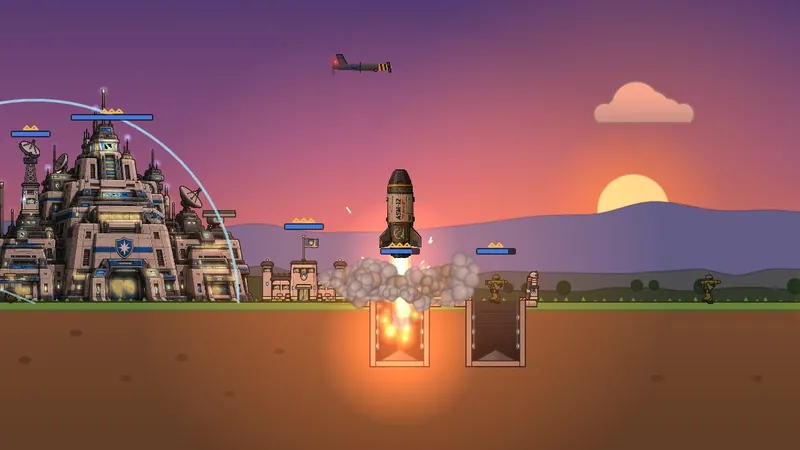
2Aim and fire
Drag to aim, release to fire. The wind pushes your shells and missiles: read it first.
-
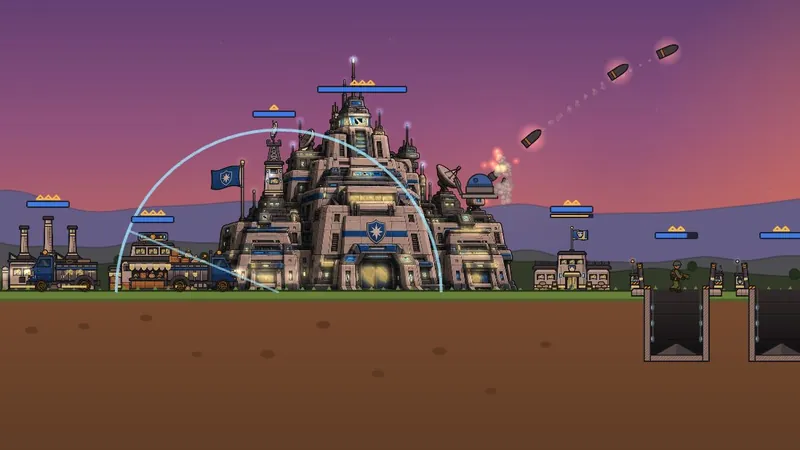
3Defend your city
Your cannon shoots down missiles in flight, your Guardians and decoys do the rest.
Your 8-card deck
Pick 8 cards out of 73: infantry, vehicles, aircraft, missiles, defenses, special buildings and support. Your deck decides which buildings you can build.
-
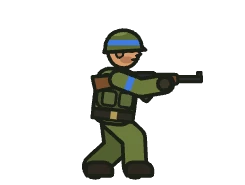 Barracks
Soldier
-
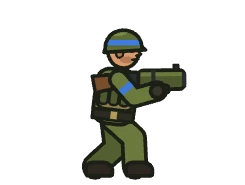 Barracks
Grenadier
-
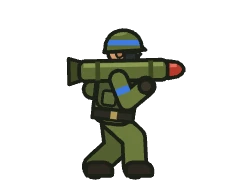 Barracks
Bazooka
-
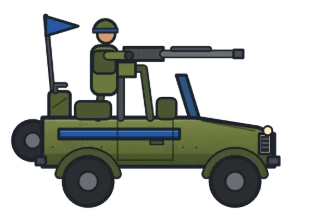 Factory
Jeep
-
 Airfield
Drone
-
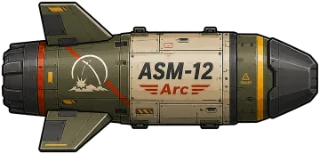 Missile silo
Arc
-
 Anti-missile
Guardian
-
 Missile silo
Rocket
What awaits you
-
Online duels
Take on other players in real time and win trophies.
-
Challenge a friend
Send them a link or a 4-letter code: they join you right away.
-
Against the bot
Three levels, from Easy to Hard, to practice.
-
Daily challenges
New challenges every day, with their rewards.
-
Chests and cards
Open chests, win cards and level them up.
-
8 ranks
From Recruit to General: every rank unlocks new cards.
FAQ
Is Windfire free?
Yes. Windfire is a free game that you play right in your browser.
Do I need to download anything?
No. The game runs in the browser, on computer and phone alike. On a phone, you can add it to your home screen to launch it full screen.
Do I need an account?
No, you can play right away. An account keeps your progress and gives it back to you on another device.
Can I play with a friend?
Yes: in the game, “Challenge a friend” gives you a link and a 4-letter code. Your friend opens it and the match begins.
Who do I play against online?
Other players, picked close to your trophies. When few players are online, a training opponent may fill in the search.
How long does a match last?
A few minutes, 15 at most. If no city has fallen when time runs out, the best score wins: it goes up with every enemy destroyed, every missile shot down and every hit point taken from enemy buildings.
What can I buy with gems?
Skins, which change how a unit or building looks but never its strength, the daily cards and the shop’s chests. Nothing you buy is random: a chest shows its exact content before you buy it.
What are today’s prices?
Every day at midnight (UTC), the shop picks 8 skins for you: −30% on the featured one, −20% on the others, until the next rotation. Every skin can still be bought at the regular price in Deck ▸ Skins.
Can I buy a skin for a card I don’t have?
Yes. It will show as soon as you find the card; the purchase window reminds you.
Can I return a skin?
Yes, within 14 days of buying it, as long as it has never been worn in a match. In Options ▸ Refunds, pick it and tap Refund: its gems come back right away. A skin already worn, or bought more than 14 days ago, can no longer be returned.
What about cards and chests?
They are added to your collection as soon as you buy them: they cannot be returned.
Are paid gems refundable?
No. You get them right away and, by ticking the box when paying, you give up the right of withdrawal (terms of sale, section 6). If paid gems never arrived, or a payment was charged twice, write to us at [email protected]: we credit the gems or refund the purchase.
I paid in the Android or iPhone app
Those purchases go through Google Play or the App Store, which have their own refund rules: ask them, from your Google or Apple account.